DollRoom
A downloadable tool

DollRoom for Mac
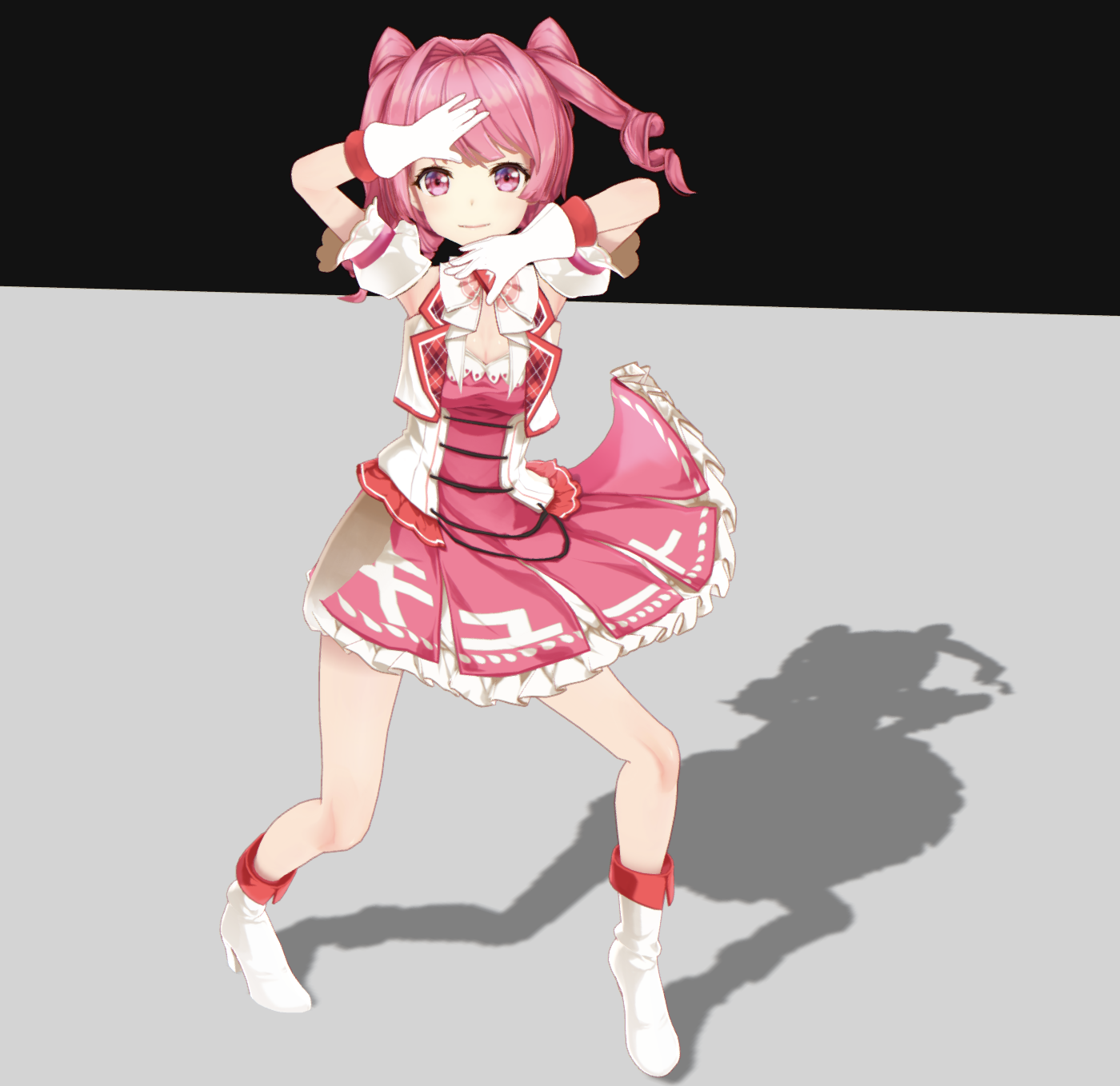
DollRoom is a simple, mobile-friendly MMD (MikuMikuDance) model viewer. For general information about DollRoom and usage instructions, please visit the official website: https://doll-room.com
This native macOS application was developed to implement capabilities that were technically restricted in the web browser version. By running natively, it overcomes browser limitations to provide features such as:
- Window Transparency: Removes the window background completely, allowing the character to blend seamlessly into your desktop environment.
- System Integration: Enables features like "Always on Top" (Picture-in-Picture style) without browser UI interference.
- Native Performance: Optimized for macOS (Apple Silicon/Intel) to ensure smooth playback locally.
System Requirements
- macOS 11.0 or later
Installation Note
- Apple Silicon: For Macs with M1, M2, M3, or M4 chips.
- Intel: For Macs with Intel processors.
If you cannot open the app due to a security warning on the first launch, please right-click the icon and select "Open".
Supported languages
- English
- Japanese
- Chinese - Simplified
- Chinese - Traditional
- Korean
- French
- Spanish
- Portuguese
- German
Download
Install instructions
Important: Launch Instructions
Since this app is an experimental project developed by an individual, it is not digitally signed by Apple. Therefore, macOS may incorrectly flag it as "damaged".
If you see the error "DollRoom is damaged and can't be opened", please follow these steps to bypass the security check.
- Move the DollRoom.app to your Applications folder.
- Open the "Terminal" app. (It is a standard app pre-installed on macOS. You can find it in Launchpad or by searching via Spotlight.)
- Copy and paste the following command into Terminal and press Enter:
xattr -cr /Applications/DollRoom.app - The app will now open normally!
重要:起動手順
日本語訳も一応載せておきます。
本アプリは個人開発による実験的なプロジェクトのため、Appleへの開発者登録(署名)を行っていません。 そのため、macOSのセキュリティ機能により「アプリが壊れている」と誤判定される場合があります。
その場合、以下の手順で制限を解除すると正常に起動します。(Macの標準機能だけで解決できます)
- アプリ本体(DollRoom.app)を「アプリケーション」フォルダに移動してください。
- Macに標準搭載されている「ターミナル」というアプリを開きます。 (Launchpadの「その他」フォルダの中や、Command+Spaceの検索から見つかります)
- 以下のコマンドをコピーして、ターミナルに貼り付け、Enterキーを押してください。
xattr -cr /Applications/DollRoom.app - これで起動できるようになります。